
Your business runs on numbers whether you like it or not. Payroll still hits, sales tax still comes due, vendors still want to be paid, and the IRS has never once accepted “my spreadsheet was kind of a mess” as a professional excuse. Choosing among today's small business accounting tools can feel like buying a parachute online. Everything looks great in the ad. The difference shows up when you need it to work.
The good news is that modern tools are far better than the old desktop era. Small business accounting has shifted from periodic, manual recordkeeping to cloud-based systems that pull bookkeeping, invoicing, payroll, tax, and reporting into one dashboard, with major guides still putting names like QuickBooks, Xero, FreshBooks, and Wave at the center of the market, while even free options have become mature enough for real use cases according to the U.S. Chamber's roundup of free accounting tools.
If you're sorting through accounting software for small businesses, don't stop at feature checklists. The key question is simpler. Will the tool help you stay compliant, collect cash faster, see problems early, and hand clean numbers to your CPA without a dramatic year-end rescue mission?
That's what this guide is about. Yes, we're listing the best small business accounting tools for 2026. But beyond that, we're talking about the financial system behind the software. Because software is a wrench. It's useful. It's not a mechanic.
1. QuickBooks Online
If you ask ten small business owners what they use, odds are several will say QuickBooks Online. It's the default for a reason. QuickBooks describes itself as the #1 online accounting software for small businesses and highlights AI-powered automation through its Accounting Agent and additional AI agents for accounting, payments, payroll, customer management, sales tax, finance, and project management on the QuickBooks accounting platform page.
That doesn't make it perfect. It makes it familiar, broad, and practical. For a lot of U.S. businesses, that matters more than fancy branding.
Why it wins so often
QuickBooks Online handles the work most owners need done:
- Core accounting: General ledger, accounts receivable, accounts payable, invoicing, and reporting all live in one place.
- Operational add-ons: Payroll, payments, time tracking, and app integrations keep you from duct-taping five systems together.
- Accountant access: Most CPAs and bookkeepers already know the platform, which reduces setup pain and year-end confusion.
If your business sells services, inventory, or a mix of both, QuickBooks usually gets you to a functional setup fast. That's especially true when you want clean bank feeds, workable U.S. sales tax support, and reports your accountant won't roll their eyes at.
Practical rule: If you want the safest mainstream choice for a U.S. small business, start with QuickBooks Online unless your industry has a clear reason to use something else.
Its biggest downside is cost creep. As your business grows, you may need higher tiers, more features, or additional apps. That's not unusual, but it is how a “simple subscription” turns into a monthly stack that behaves like a teenager with your credit card.
Before you commit, read this guide on how to choose accounting software. Tool selection should match your industry, payroll complexity, sales tax footprint, and reporting needs. QuickBooks is strong, but a strong tool in the wrong hands still makes a mess.
2. Xero
Some software feels like it was built by accountants for accountants. Xero feels like it was built for business owners who'd also like to keep their blood pressure under control. You can explore it at Xero U.S..
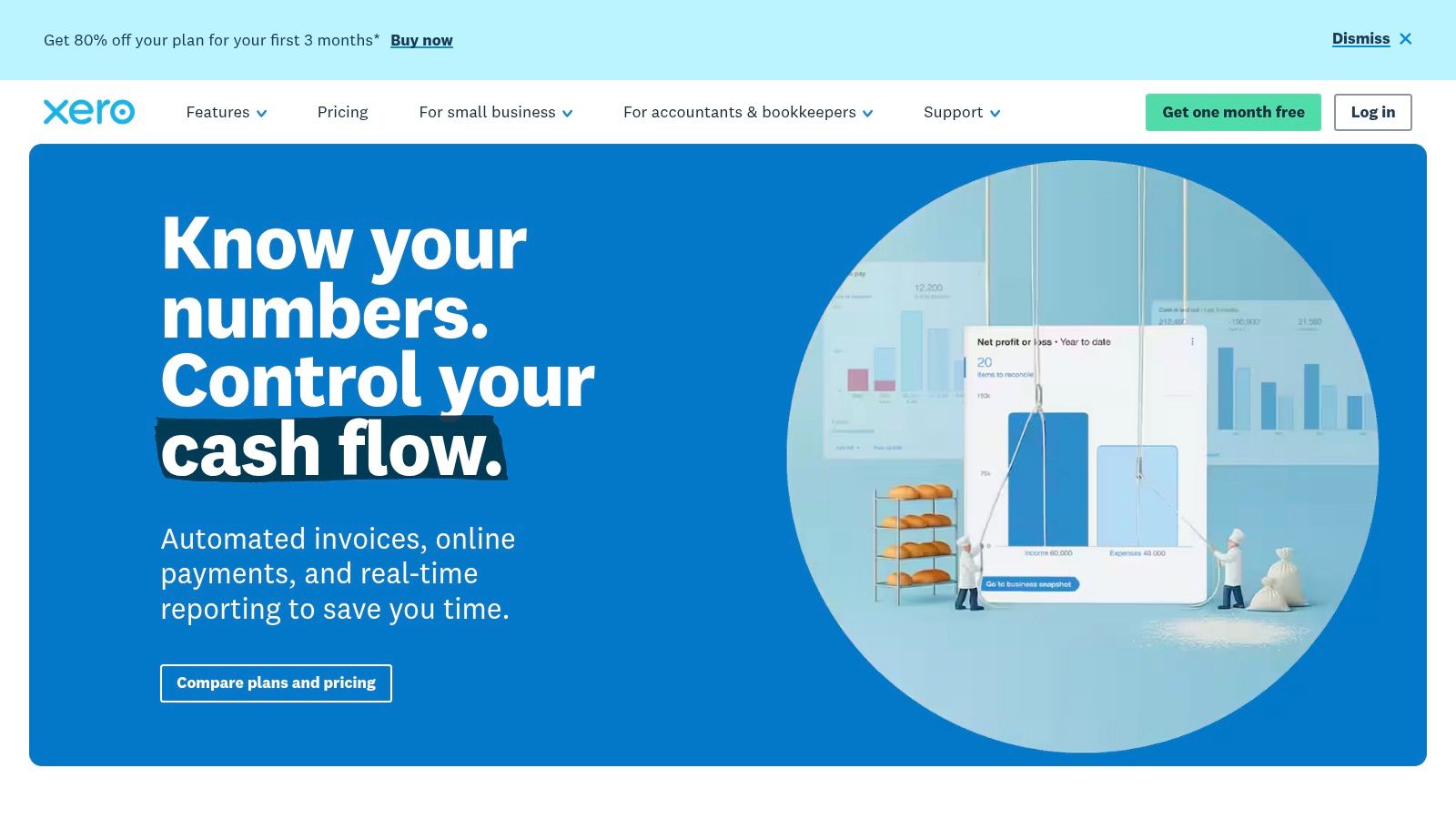
Its clean interface is the first thing people notice. Its collaboration model is what keeps teams around. Xero allows unlimited users on every plan, which is a smart fit for owner-managed businesses, distributed teams, and companies where the owner, office manager, bookkeeper, and outside accountant all need access.
Best fit for collaborative teams
Xero is especially good at:
- Bank reconciliation: Strong matching tools and rules help speed up routine bookkeeping.
- Shared access: No constant debate over who gets a login.
- Growing operations: Projects, expense claims, fixed assets, and broader app connections support a business that's getting more complicated.
For Mac-based companies or teams that want a more browser-native feel, Xero often lands on the shortlist. If that's your setup, this overview of small business accounting software for Mac is worth your time.
Xero isn't always the best answer for U.S.-specific payroll or highly specialized job costing. If you run construction jobs with deep cost-code reporting, or a healthcare group with layered compliance demands, you may outgrow it or need integrations. Still, for clean day-to-day bookkeeping with easy team access, Xero is one of the strongest small business accounting tools on the market.
A clean interface doesn't replace accounting discipline. It just makes it easier to see your mistakes sooner.
3. Zoho Books
Your sales team closes a deal in the CRM, operations starts the work, and accounting still ends up retyping the same customer info into the books. That is how businesses create billing errors, missed follow-ups, and month-end headaches they swear came out of nowhere. Zoho Books fixes that problem best when you are building one connected system instead of collecting random apps like coffee mugs from trade shows.
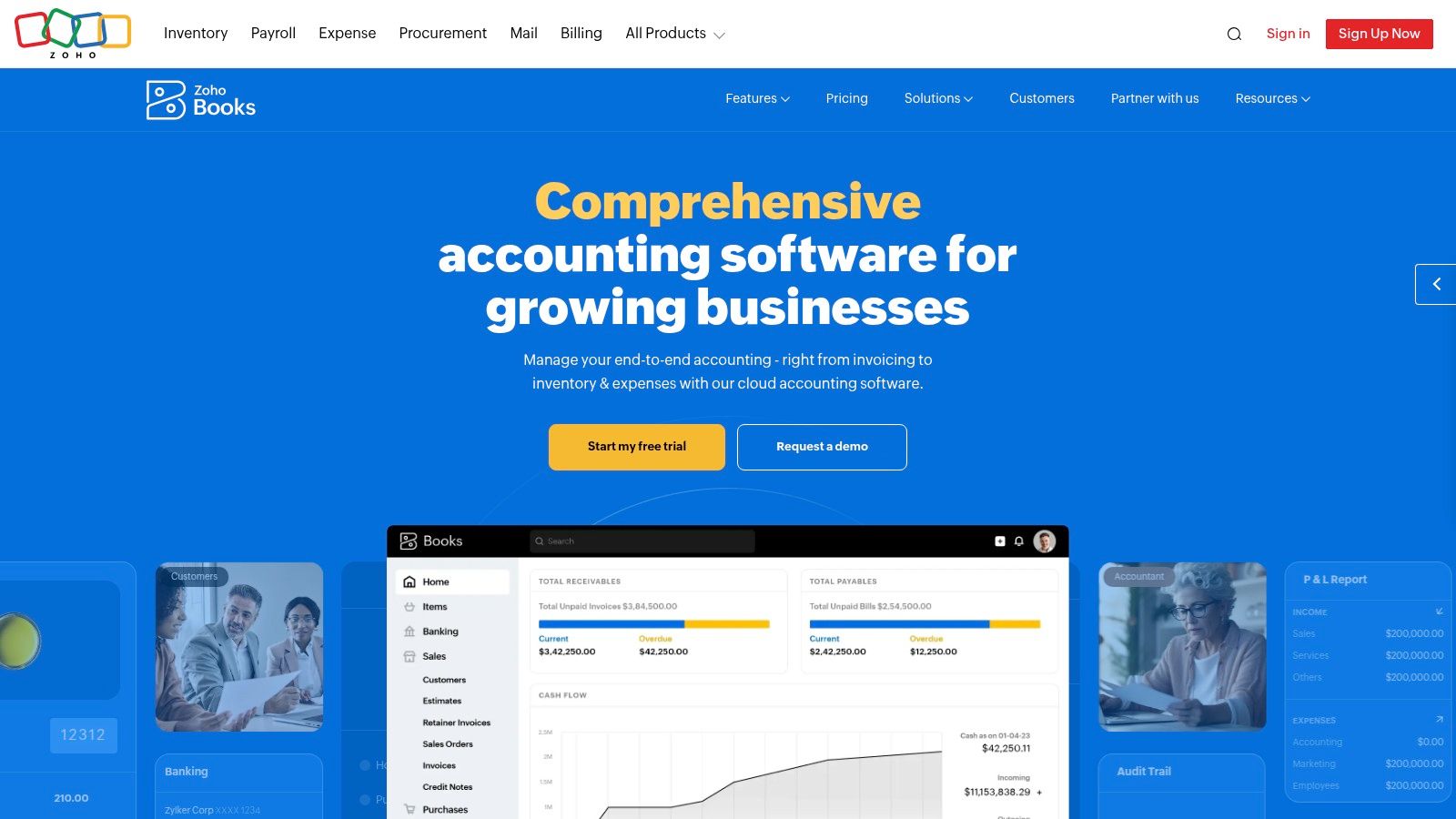
Zoho Books works well for owners who want real accounting features inside a broader operating stack. You get accounts receivable, accounts payable, bank feeds, project tracking, inventory support, U.S. sales tax tools, and 1099 vendor tracking. That puts it well above basic invoicing apps and well below the cost and complexity of a mid-market ERP. For a lot of service firms, ecommerce sellers, and growing operations teams, that is the sweet spot.
Where Zoho Books stands out
A significant selling point is system design. Zoho Books makes the most sense when you already use other Zoho products, or plan to. CRM, expense management, inventory, and finance can pass information cleanly, which cuts duplicate entry and reduces the usual chorus of "I thought someone else sent the invoice."
It also gives you more control than many owners expect at this price point. Approval flows, custom workflows, recurring invoices, client portals, and reporting can all save time. Bad setup will save the wrong time. If your chart of accounts is sloppy or your workflow logic is nonsense, Zoho Books will process nonsense faster. A microwave still burns dinner if you put cardboard in it.
Zoho Books is also a strong choice for businesses that bill frequently and need tighter coordination between invoicing and bookkeeping. If that is your pressure point, this guide to invoice software for small business is a useful companion.
For custom integrations, some teams review technical resources like API2Cart's Zoho Books API guide. Most owners do not need to start there. They need to decide whether they want one connected suite with clear processes and fewer handoff errors. If the answer is yes, Zoho Books deserves a serious look.
My advice is simple. Use Zoho Books when you want your accounting tool to be part of an actual financial system. Then bring in a bookkeeper or CPA to set the structure correctly from the start. Good software keeps records organized. Good advisors keep you compliant, profitable, and out of stupid trouble.
4. FreshBooks
FreshBooks knows exactly who it wants to help. Freelancers, agencies, consultants, creatives, and service businesses that need to send clean invoices, track time, and get paid without turning billing into a side hobby. You can see the platform at FreshBooks.
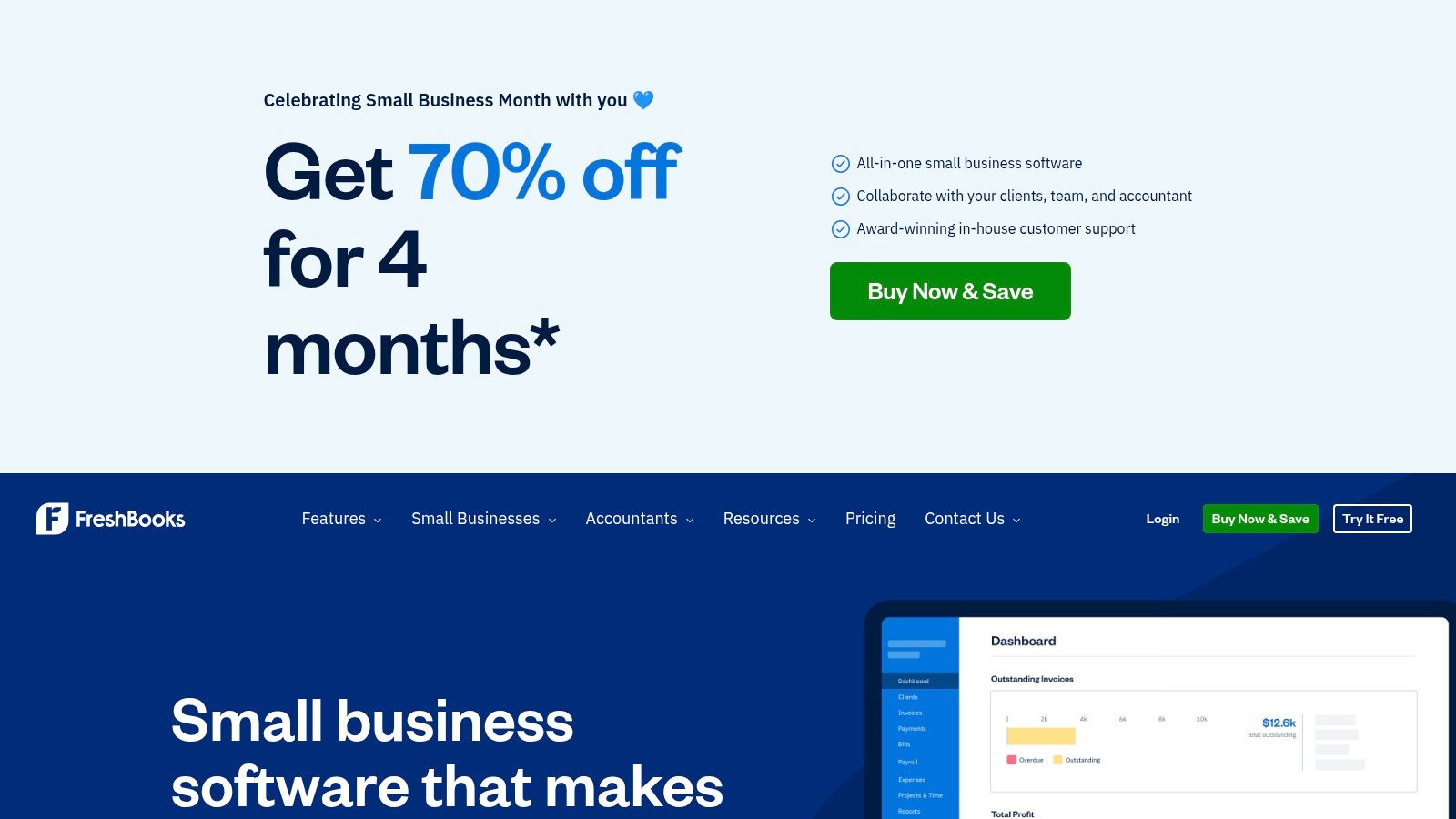
Some accounting systems are built like industrial warehouse shelving. Strong, useful, not exactly charming. FreshBooks is more like a well-organized front desk. It's polished, client-facing, and easy to use.
Strongest for service billing
FreshBooks shines when your workflow looks like this:
- Estimate to invoice: You quote work, get approval, and convert it into a bill.
- Time tracking: You bill by the hour or by project and need visibility into profitability.
- Client communication: You want a portal and a professional customer experience.
That ease of use matters. Owners who hate bookkeeping tend to avoid it. Then they avoid looking at receivables. Then they act surprised when cash gets tight. FreshBooks removes enough friction that people use it.
For businesses focused heavily on billing, this guide to invoice software for small business is a smart companion read.
The caution flag is growth. Lower tiers can feel tight as client volume rises, and add-ons can increase total cost. If your service firm starts layering in more staff, more reporting needs, more departments, or more complex tax compliance, you may eventually need a broader accounting stack. FreshBooks is excellent at getting money in the door. It's less ideal when you start needing the financial controls of a larger operation.
5. Wave Accounting
You started the business to make money, not to spend Saturday night reconciling a checking account and wondering why the numbers look like they were assembled by raccoons. If cash is tight and you still need real books, Wave Accounting is one of the few free options worth considering.
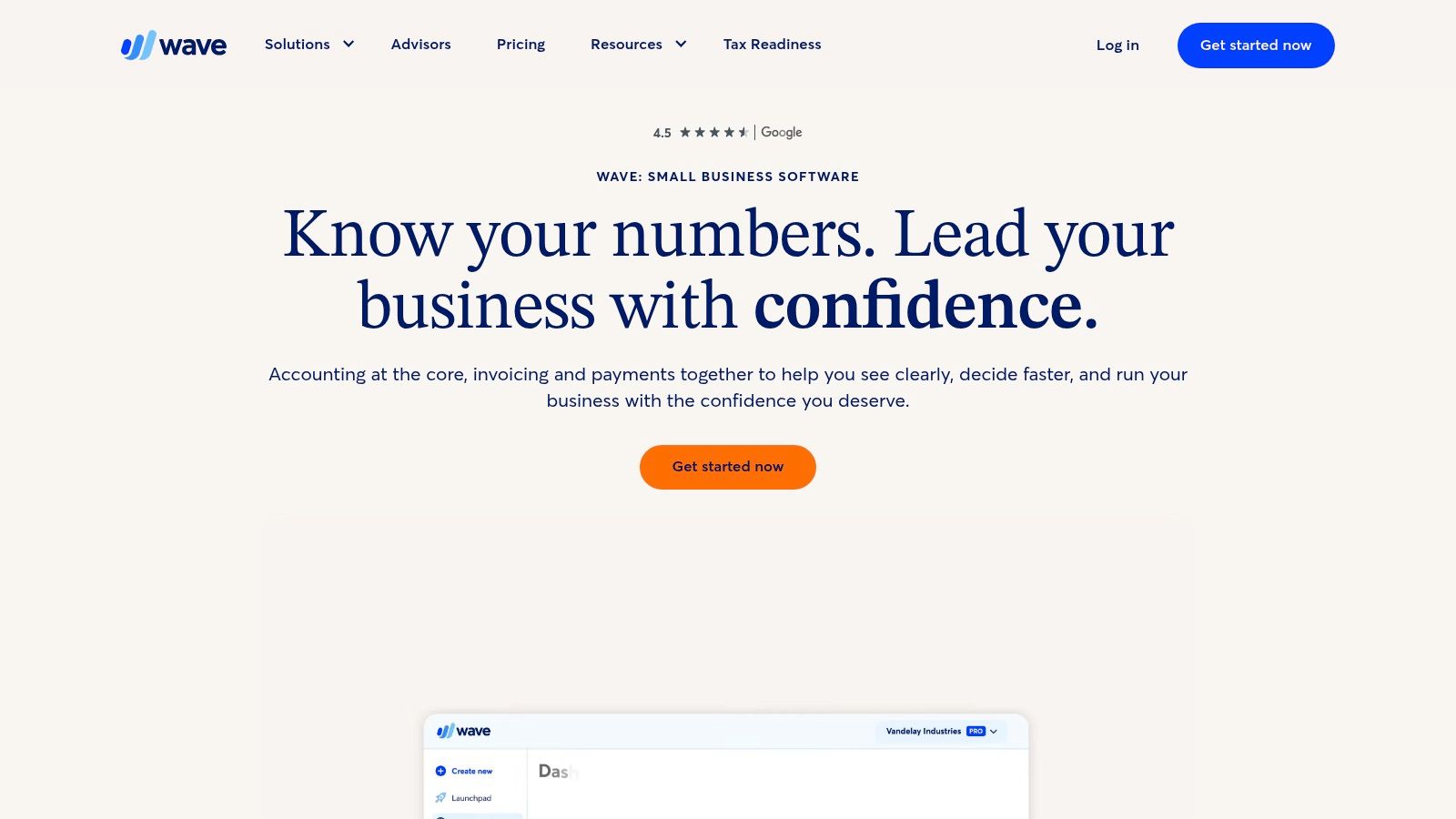
Wave fits best at the front end of a financial system. It gives very small businesses a legitimate starting point with double-entry accounting, invoicing, bank connections, and standard reports. That matters. A cheap system that gets used beats an expensive system collecting dust while your books rot in a spreadsheet.
Best use case for Wave
Wave makes sense for owners who need to build basic financial discipline fast:
- Double-entry accounting: Real bookkeeping with a proper general ledger.
- Basic invoicing: Estimates, invoices, and payment collection for simple operations.
- Low cost entry point: A practical way to stop guessing and start recording transactions correctly.
That last point is bigger than it sounds. Software is only part of the job. The actual goal is to create a system you can trust for taxes, cash flow, and decisions. Wave helps with that if your business is simple and you stay consistent. Miss reconciliations for three months, and even free software turns into a paid cleanup project.
Wave starts to strain once your operation gets more complicated. Extra users, deeper automation, and broader integrations are not its strong suit. If you need stronger reporting, cleaner approval workflows, inventory detail, job costing, or a larger app ecosystem, QuickBooks or Xero usually hold up better.
Free software is fine. Free mistakes are expensive.
My advice is simple. Use Wave if you are a solo owner, freelancer, or very small team that needs clean books without a monthly software bill. Replace it once complexity shows up. If you have multi-state payroll, messy sales tax exposure, lender reporting, or project profitability questions, stop trying to squeeze enterprise problems through a starter tool and bring in a CPA before the mess gets interest and penalties attached.
6. Sage Intacct
Sage Intacct isn't for the owner who just needs to invoice a few clients and reconcile a bank account. It's for the business that has outgrown basic tools and knows it. Multi-entity groups, healthcare organizations, nonprofits, and professional service firms with boards, grantors, lenders, or auditors usually need more control than entry-level software can provide. That's where Sage Intacct steps in.
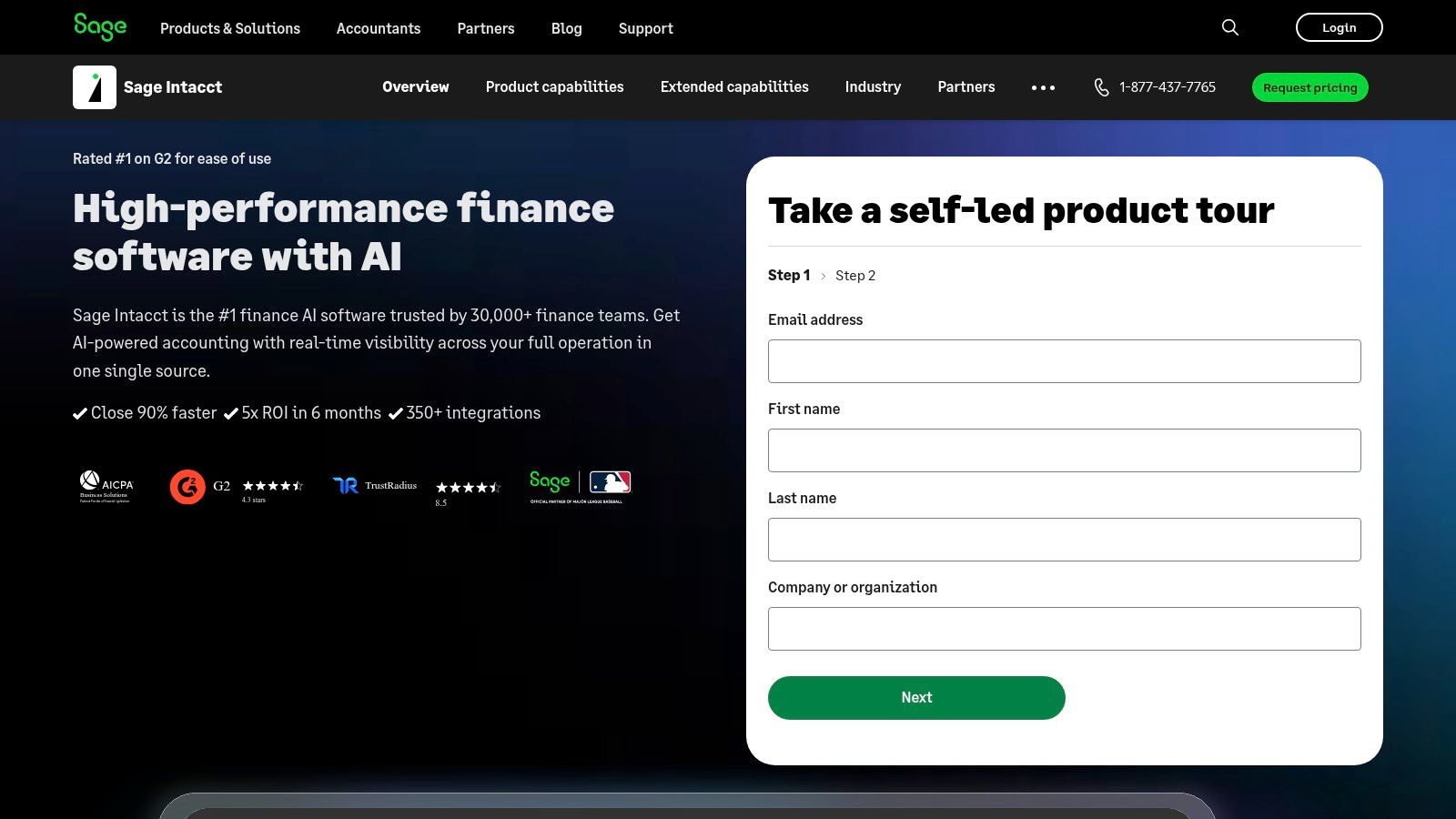
This platform is about structure. Dimensional reporting, approvals, allocations, project accounting, fixed assets, and multi-entity consolidations aren't “nice extras” here. They're the point.
When basic software stops being enough
You should consider Intacct if your team needs:
- Audit-ready controls: Clear approval paths and stronger financial governance.
- Multi-entity reporting: Consolidated visibility without a spreadsheet circus.
- Board-level reporting: Cleaner, deeper reporting for oversight and planning.
The tradeoff is obvious. Intacct demands more setup, more administration, and usually outside help during implementation. That's not a flaw. It's what happens when software moves from “bookkeeping tool” to “financial control system.”
The firms that do best with Intacct usually also have accounting leadership in place. If you don't have a full-time CFO, a fractional CFO earns their keep by stepping into this role. Someone has to design the chart of accounts, reporting logic, approvals, close process, and compliance workflow. Software won't decide that for you.
For growing organizations, especially in regulated sectors, Intacct can be a smart move. But don't buy a serious platform and then run it casually. That's like buying a commercial kitchen and cooking ramen in the microwave.
7. Sage 50
Some business owners still prefer software that feels solid, local, and familiar. They don't want everything floating around in a browser tab next to email and cat videos. For those businesses, Sage 50 still has a place.
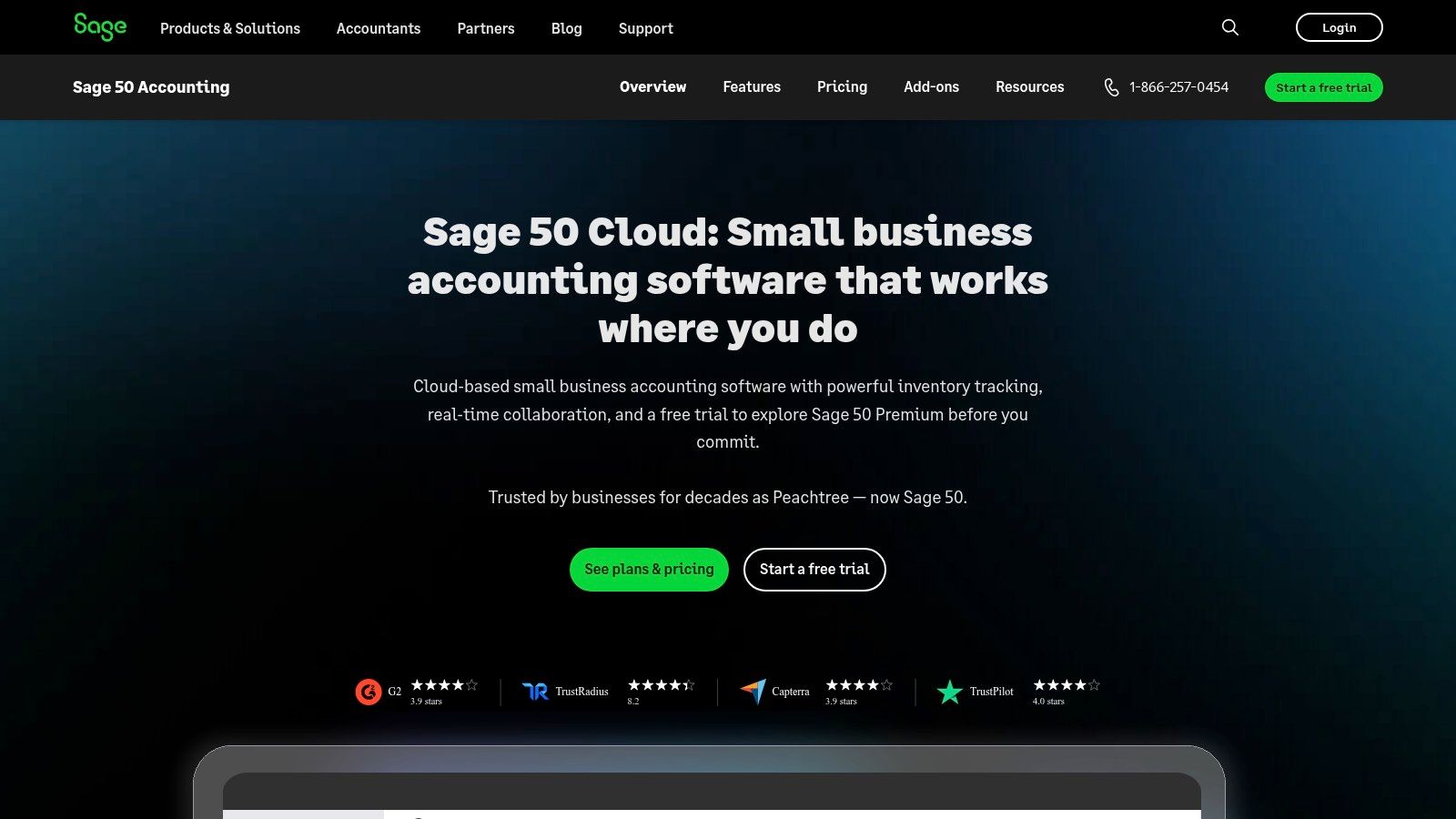
Sage 50 is a better fit for traditional small businesses that want invoicing, A/P, A/R, inventory, job management, reporting, and optional payroll without fully moving to a pure SaaS model. Product-based businesses often like that deeper operational feel.
Why some companies still choose it
Sage 50 can make sense when you have:
- Inventory-heavy operations: More depth than lightweight invoicing tools.
- Windows-based workflows: Teams already built around desktop habits.
- Owners who value continuity: Less appetite for changing how everyone works.
This isn't the trendy choice, and that's okay. Accounting software doesn't need to win a popularity contest. It needs to support the way your team processes transactions accurately and on time.
Still, there are tradeoffs. Per-user licensing can add cost, the system is Windows-centric, and collaboration isn't as fluid as cloud-native tools. If your bookkeeper works in-office, your CPA logs in remotely, and your owner travels constantly, those constraints start to matter fast.
Sage 50 is a practical fit for businesses that want substantial features without changing their operating style too aggressively. Just be honest about your trajectory. If you're building a more distributed company, cloud-first tools may save you headaches later.
8. Aplos
Nonprofits should stop forcing for-profit accounting systems to do nonprofit work. It's like using a butter knife as a screwdriver. You can make contact, but you shouldn't feel proud of it. Aplos exists because nonprofits, churches, and mission-driven organizations need fund accounting, donor management, grant tracking, and reporting that reflects restrictions and programs correctly.
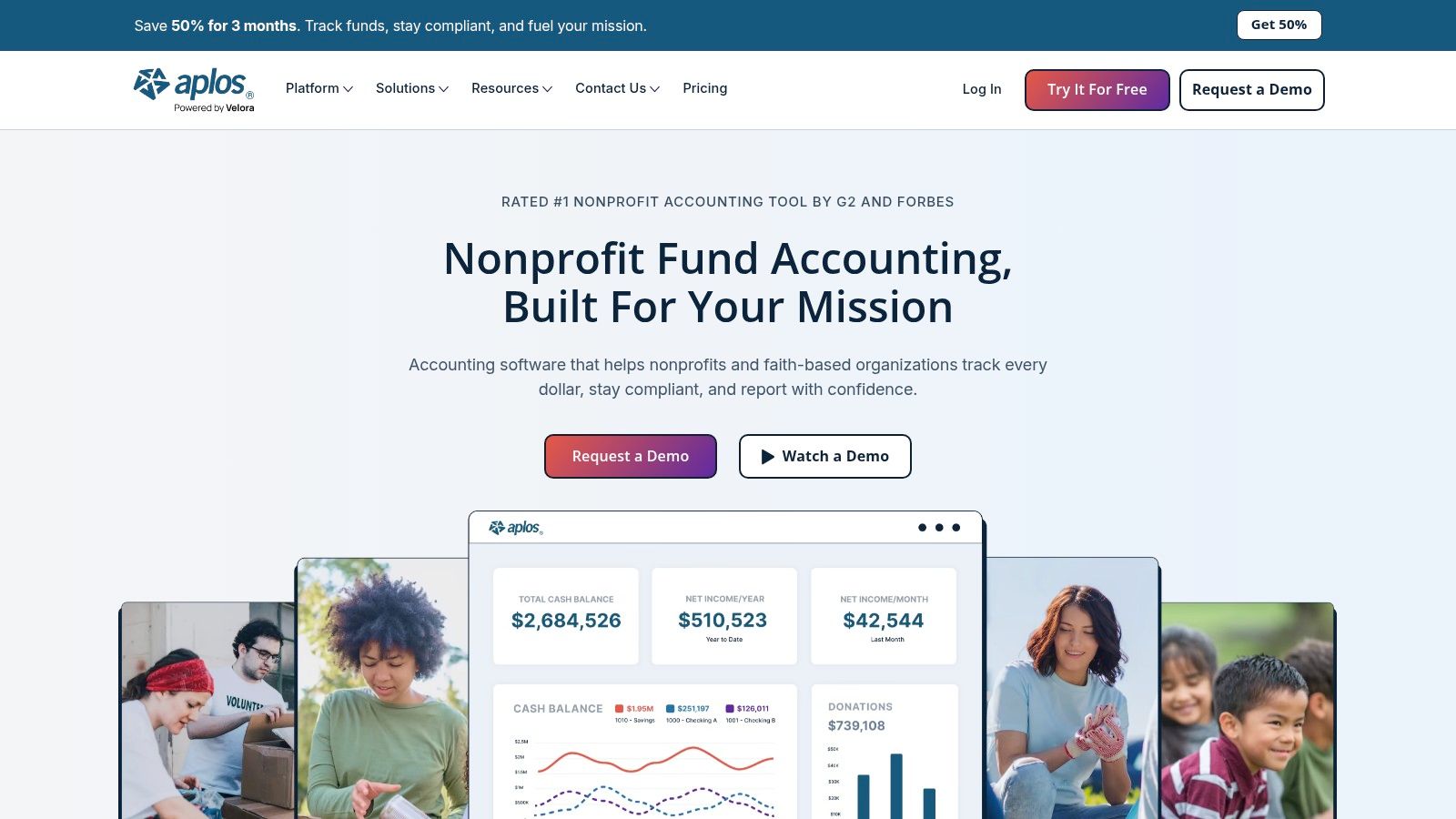
That difference matters. A nonprofit isn't just a business with nicer stationery. Restricted funds, donor records, budgets by program, and audit readiness all require software that understands the structure.
Built for nonprofit compliance
Aplos is strong when your organization needs:
- Fund accounting: Track funds and programs without awkward workarounds.
- Donation workflows: Online giving, forms, and donor CRM in one ecosystem.
- Grant and project visibility: Better oversight for restricted activity and reporting.
If your nonprofit tracks restricted donations in a generic chart of accounts and “just remembers” what each fund is for, that's not a system. That's a future audit conversation.
For nonprofits in Northeast Florida and beyond, professional guidance matters as much as software. The books need to support audits, board reporting, grant compliance, and leadership planning. Aplos helps, but it won't write your accounting policies or review your internal controls. That's a job for experienced accountants.
If you're a church, foundation, or nonprofit with annual reporting pressure, Aplos is far more sensible than trying to retrofit a basic small business tool into something it was never designed to be.
9. Patriot Accounting
Patriot Accounting is the plain-spoken pickup truck of this list. It's not trying to impress anybody. It's trying to start every morning, haul what you need, and not charge luxury-car money to do it. You can check it out at Patriot Accounting pricing.
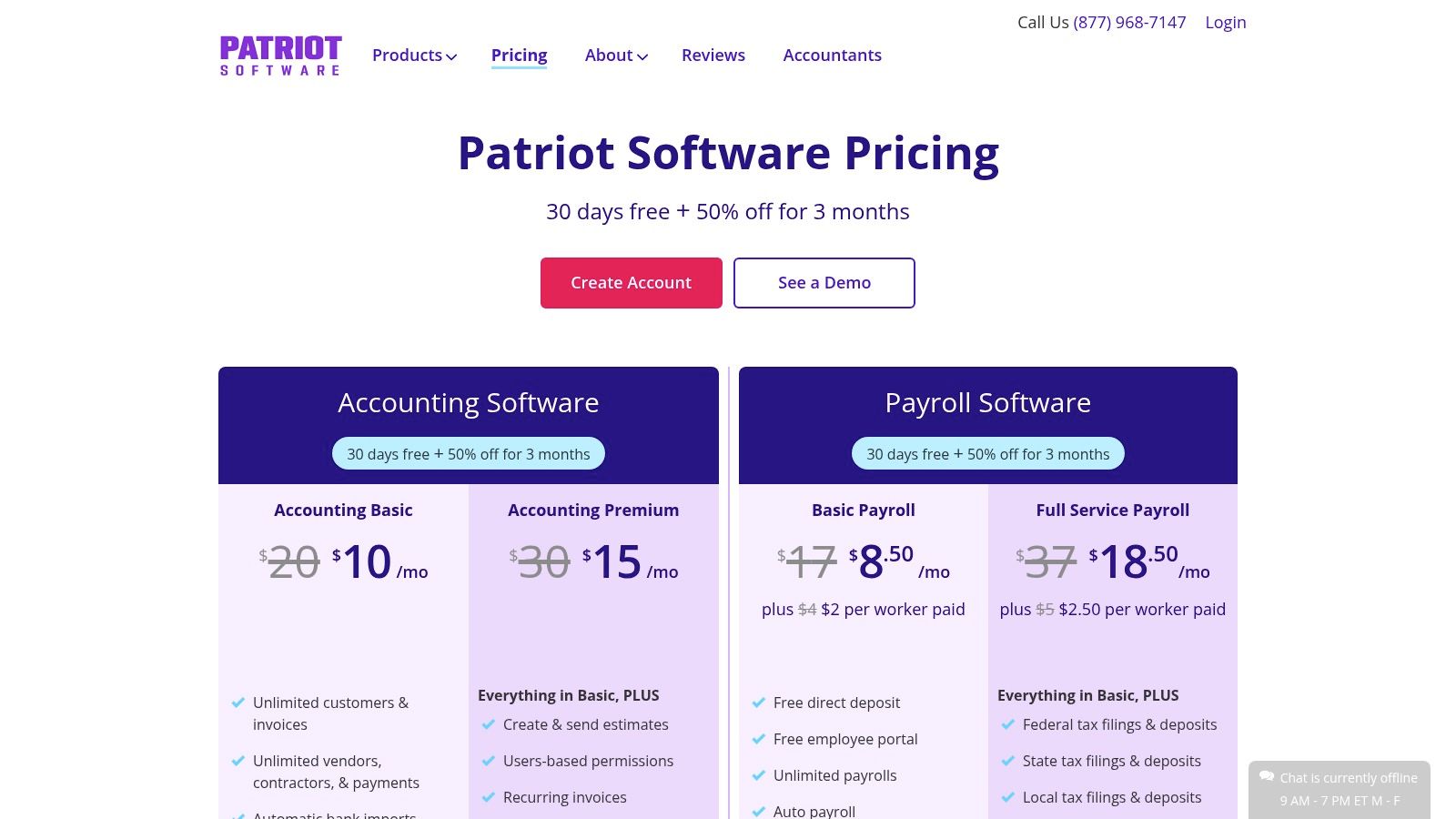
That makes it attractive for trades, small retail operations, clinics, and owner-led businesses that want straightforward bookkeeping and optional payroll without a giant learning curve.
A practical choice for lean operators
Patriot covers the basics well:
- Day-to-day bookkeeping: Income and expense tracking, invoices, estimates, and vendor bills.
- U.S.-focused payroll path: Useful if you want accounting and payroll under one roof.
- Simple ownership experience: Owners can learn it without needing a software decoder ring.
This is a good choice when complexity is the enemy. Some businesses don't need a sprawling app marketplace. They need to bill customers, pay vendors, run payroll, track expenses, and stay on top of 1099s. Patriot does that without pretending every corner bakery needs enterprise architecture.
Its limits are the usual ones for lower-complexity software. Inventory depth is limited, job costing is lighter, and reporting isn't built for organizations with serious board, lender, or audit expectations. If your business is simple, that may be fine. If it's becoming less simple every quarter, that's your warning sign.
Tax law changes and filing deadlines don't get easier just because your software is simple. If you use Patriot, pair it with a CPA who can keep you compliant and make sure your setup matches your reporting obligations.
10. Odoo Accounting
Odoo is what happens when a business gets tired of juggling disconnected systems and decides it wants one platform to run sales, inventory, projects, operations, and accounting together. If that sounds like your company, Odoo Accounting deserves a close look.
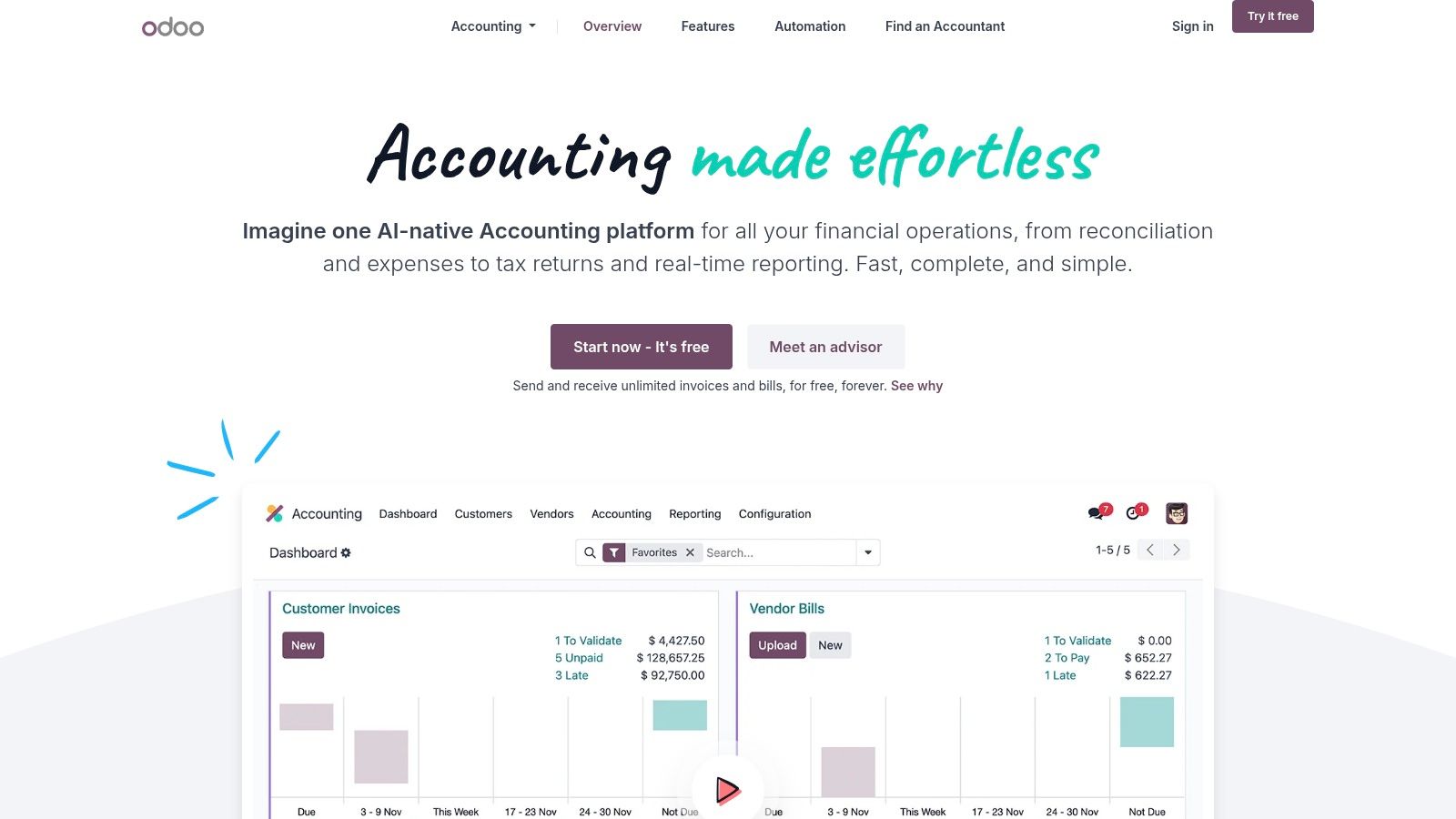
This isn't just accounting software. It's part of a modular business suite. That's the appeal and the risk.
Best for operations-heavy businesses
Odoo makes the most sense when you want:
- Integrated workflows: Accounting tied directly to sales, inventory, projects, and other business apps.
- Flexible deployment: Hosted by Odoo or managed in more customized environments.
- Less app sprawl: Fewer disconnected tools passing data badly between each other.
For product-based companies, e-commerce businesses, light manufacturers, and operationally complex firms, that integrated model can be powerful. You don't just record the financial result. You connect the transaction to the operational workflow that created it.
Market adoption trends support why tools like this matter. Grand View Research estimated the accounting software market at $19.38 billion in 2024 and projected it to reach $31.25 billion by 2030, with cloud deployment holding the largest share because of real-time access, collaboration, scalability, updates, and lower hardware and maintenance needs, while SMEs were identified as the fastest-growing customer segment in the Grand View accounting software market report.
The caveat is implementation. Odoo can be excellent, but it often requires design decisions, configuration work, and sometimes a partner. This isn't plug-and-play in the same way FreshBooks or Wave can be. If you choose Odoo, don't wing it. Build the system properly from day one.
Top 10 Small Business Accounting Tools Comparison
| Product | Core features ✨ | UX & quality ★ | Pricing & value 💰 | Target 👥 | Standout 🏆 |
|---|---|---|---|---|---|
| QuickBooks Online (Intuit) | Robust GL, A/R, A/P, projects, inventory, payroll & large app ecosystem | ★★★★ | 💰 Mid–High; Advanced tier costly | 👥 US small–mid businesses, firms using ProAdvisors | 🏆 Largest ecosystem & accountant integrations |
| Xero (U.S. edition) | Clean UI, unlimited users, bank reconciliation, projects & apps | ★★★★ | 💰 Mid; good multi-entity discounts | 👥 Owner-managed businesses & distributed teams | 🏆 Unlimited users; excellent reconciliation |
| Zoho Books | Double‑entry, projects, inventory & deep Zoho suite integrations | ★★★★ | 💰 Aggressive pricing; scalable tiers | 👥 Businesses wanting integrated Zoho stack | 🏆 Tight cross‑product integrations |
| FreshBooks | Polished invoicing, time tracking, client portal, project P&L | ★★★★ | 💰 Low–Mid; add‑ons raise cost | 👥 Freelancers, agencies, service firms | 🏆 Best client‑facing billing workflows |
| Wave Accounting | Double‑entry basics, invoicing, P&L, free Starter plan | ★★★ | 💰 Free starter → Low paid add‑ons | 👥 Very small businesses & startups | 🏆 Free plan lowers onboarding barrier |
| Sage Intacct | Dimensions, approvals, multi‑entity consolidations, audit controls | ★★★★★ | 💰 High; implementation & subscription costs | 👥 Mid‑market, nonprofits, healthcare, orgs needing controls | 🏆 Best for consolidations & audit‑ready reporting |
| Sage 50 (U.S.) | Desktop/cloud options, inventory, job management, reconciliation | ★★★ | 💰 Mid; per‑user licensing can add cost | 👥 Product‑based small businesses preferring Windows | 🏆 Deep desktop feature set with cloud option |
| Aplos (Nonprofit) | True fund accounting, donation mgmt, online giving & CRM | ★★★★ | 💰 Mid; pricing scales with contacts/add‑ons | 👥 Nonprofits & churches | 🏆 Nonprofit‑first fund & donation workflows |
| Patriot Accounting | Income/expense tracking, invoicing, 1099 support, payroll add‑on | ★★★ | 💰 Very budget‑friendly; transparent pricing | 👥 Trades, retail, small clinics & very small biz | 🏆 Simple, low‑cost bookkeeping + payroll |
| Odoo Accounting | Double‑entry accounting with tight Sales/Inventory/CRM integration | ★★★ | 💰 Variable; licensing & implementation can be complex | 👥 Businesses needing modular suite & deep cross‑module workflows | 🏆 Suite approach reduces app sprawl and enables tight integrations |
Stop Guessing. Start Growing.
The best small business accounting tools do more than record transactions. They create visibility. They help you see whether you're making money, whether customers are paying on time, whether payroll is sustainable, and whether a tax problem is developing in the background. That's why tool selection matters so much now.
Buyer expectations have changed too. Market Research Future reports that about 65% of small businesses are more likely to invest in accounting software with predictive analytics and performance tracking, while roughly 70% prioritize transparency in financial reporting, according to the small business accounting software market analysis. Owners don't just want ledgers anymore. They want answers.
And software vendors know it. Modern platforms increasingly compete on AI, automation, and connectivity. That's helpful. But let's keep our feet on the ground. AI can categorize transactions faster. It can't decide whether your job costing is set up correctly, whether your entity structure creates tax exposure, whether your payroll process is compliant, or whether your nonprofit's restricted funds are being reported properly. That still takes judgment.
Many small businesses face a common pitfall. They buy software and assume the software equals a financial system. It doesn't. A real system includes chart of accounts design, internal controls, monthly close procedures, sales tax handling, payroll workflows, 1099 processes, cash-flow planning, management reporting, and someone reviewing the numbers who knows what “wrong” looks like.
That's why almost every growing company needs more than a bookkeeper. They need guidance. Sometimes that means a CPA firm maintaining the books and handling tax compliance. Sometimes it means a fractional CFO who can turn reports into decisions. If your margins are tightening, cash is lumpy, debt is growing, or you're adding locations, entities, grants, or service lines, that guidance isn't a luxury. It's part of responsible management.
At Bookkeeping and Accounting of Florida Inc., we help business owners build that full system. We don't just install software and wish you luck. We help clients choose the right platform, set it up correctly, clean up broken books, maintain monthly reporting, stay compliant with tax requirements, and use the numbers to make better decisions. As certified QuickBooks ProAdvisors and experienced CPAs, we work with businesses that need clean financials, reliable payroll, better reporting, audit readiness, and strategic oversight without unnecessary drama.
If you're in healthcare, construction, retail, professional services, or nonprofit management, the stakes are even higher. Job costing, payroll complexity, grant tracking, restricted funds, industry reporting, and audit preparation all require more than “good enough” bookkeeping. The right software helps. The right advisor keeps it working.
Stop wondering whether your numbers are accurate. Stop hoping your current setup is compliant. Build a financial system that gives you clarity, protects your business, and supports growth.
If your books are messy, your software feels wrong, or you need a CPA and fractional CFO team that can keep your business compliant while giving you real financial direction, talk to Bookkeeping and Accounting of Florida Inc.. We help Northeast Florida businesses choose the right accounting tools, clean up the books, manage reporting, handle tax and payroll obligations, and turn financial data into practical decisions you can use.
