

You're probably reading this because payroll feels simple right up until it doesn't. Somebody got paid the wrong rate, a tax notice showed up, QuickBooks doesn't match the payroll report, and now your “system” is one office manager, two spreadsheets, and a prayer.
Thank you for reading this post, don't forget to subscribe!I've seen this movie in Jacksonville more times than I can count. A lot of owners think payroll is just writing checks and filing forms. It isn't. Payroll touches tax compliance, labor rules, cash flow, job costing, benefits, and your financial statements. If those pieces don't talk to each other, your books lie to you. Cleanly. Politely. Repeatedly.
That's why small business accounting with payroll has to be treated as one system, not two separate chores. If you want real numbers, fewer surprises, and a business you can steer, payroll has to flow straight into accounting with the right structure behind it.
Why Integrated Payroll Is Non-Negotiable
The first warning sign is usually emotional, not technical. You run payroll, hit submit, and then spend the rest of the day wondering if you missed something. That feeling exists for a reason. Payroll is one of the few business processes that can hurt you in three directions at once: your employees, your tax filings, and your financial reports.

Small businesses carry a huge share of the payroll burden in this country. Small businesses in the United States, constituting over 99.7% of all companies, shoulder 39.4% of the private sector payroll, amounting to approximately $2.9 trillion annually, which is exactly why accurate integration matters so much for financial health and compliance, according to key payroll facts for small business owners.
Payroll is not just payroll
When payroll sits outside your accounting system, bad things happen fast:
- Your profit and loss statement gets distorted because wages, payroll taxes, and benefits aren't posted correctly.
- Cash flow gets ambushed because liabilities build up until remittance dates arrive.
- Job costs get muddy if labor isn't assigned to the right customer, department, provider, or project.
- Year-end becomes a cleanup project instead of a normal close.
That last one is where owners really get irritated. They pay for bookkeeping all year, then pay again to fix payroll entries that were dumped in as one blob or not posted at all.
Practical rule: If payroll doesn't reconcile to your books every cycle, your financial statements are not decision-ready.
The IRS doesn't care that your process was messy
There's no gold star for trying hard. Tax agencies want filings on time, deposits on time, classifications done correctly, and records kept properly. Employees want checks to be right the first time. Lenders want financials they can trust. You don't get to meet those standards with disconnected apps and crossed fingers.
Integrated payroll changes the conversation. Instead of asking, “Did we pay everyone?” you start asking better questions. Are labor costs rising faster than revenue? Which crews are profitable? Which provider or department carries the overhead? Can we hire now, or do we wait?
That's the point most DIY setups miss. Payroll isn't just a back-office nuisance. It's a live feed of what your business is spending to produce work.
Real peace of mind comes from control, not guesswork
Owners love “control” until they're manually fixing tax withholdings at 10:30 p.m. True control means the system is mapped correctly, reviewed consistently, and interpreted by someone who knows what they're looking at. That's why professional oversight matters. Not because owners are careless, but because payroll rules are unforgiving and accounting errors steadily accumulate.
Setting Up Your Accounting for Payroll Success
A good payroll system starts in the chart of accounts, not on payday. If your setup is sloppy, every payroll run sprays bad data into your books. Then you get to clean it up later, which is accountant language for “pay twice for the same work.”
Build the chart of accounts like you plan to grow
In QuickBooks, start with a payroll structure that separates expense from liability. Don't cram everything into “Payroll Expense” and call it a day. You need visibility.
Use separate accounts for items like:
- Wages and salaries for regular payroll expense
- Payroll taxes expense for the employer share
- Payroll liabilities for taxes and deductions you owe but haven't remitted yet
- Benefits expense for employer-paid benefits
- Department or job-specific labor accounts when your business needs better reporting
That structure matters in construction, healthcare, retail, and nonprofit work for different reasons. A contractor may need labor by job. A clinic may need labor by provider or service line. A nonprofit may need payroll split by program or funding restriction. Same payroll. Different reporting needs.
Map payroll items correctly the first time
Most small businesses create their own future headache in this area. Every payroll item in your payroll system should point to the correct general ledger account. Gross wages go one place. Employee tax withholdings go somewhere else. Employer taxes go somewhere else. Benefit deductions go somewhere else again.
Manual payroll creates predictable problems. Misclassifying employees as contractors affects 20% to 30% of small businesses per IRS audits, overtime calculation errors are responsible for 40% of DOL wage claims, and payroll software can reduce errors from a 15% manual rate to under 2%, based on this payroll guide from Business.com.
If your payroll setup depends on someone “remembering how we usually code this,” your setup is broken.
The practical setup checklist
Here's the no-nonsense version of what needs to be in place before payroll runs:
- Get your employer setup right. That includes your EIN, payroll tax accounts, filing settings, and pay schedule.
- Collect the right forms. W-4s, I-9s, and contractor paperwork if you have contractors.
- Set up earnings types carefully. Regular pay, overtime, bonuses, and any specialized pay categories need separate treatment.
- Create deduction items. Health insurance, retirement, garnishments, and other employee deductions must map cleanly.
- Test one payroll cycle. Review the journal entry before you trust the system.
If you need a practical starting point, this guide on setting up payroll for small business is a useful baseline before you start customizing for your actual operation.
Don't forget benefits and policy alignment
Payroll setup also has to match your real-world compensation package. If you offer insurance, reimbursements, or other perks, your accounting and payroll settings need to reflect them correctly. Business owners reviewing plan options often find it helpful to look at tailored employee benefits for businesses so payroll deductions and employer contributions are built into the process from the beginning.
A strong setup saves time, yes. More than that, it keeps your books usable. That's the whole game.
Navigating Payroll Workflows and Tax Compliance
Payroll should run on a rhythm, not on panic. If every pay period feels improvised, the process is too fragile.
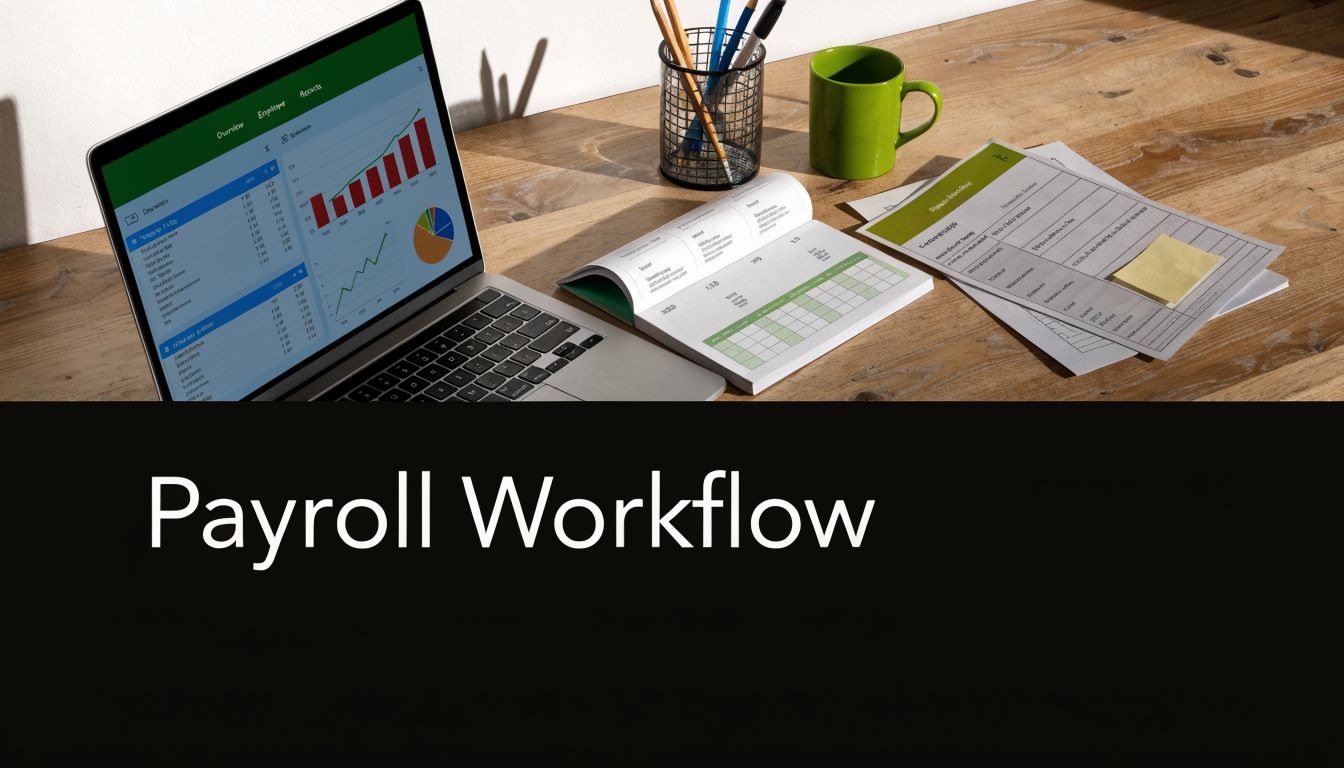
A structured cadence matters because deadlines don't care whether your office manager was on vacation. About 35% of small businesses face IRS penalties averaging $845 for each late 941 filing, and in Florida, tracking reemployment tax of up to 5.4% on the first $7,000 in wages through the Connect portal is mandatory, according to this small business bookkeeping guide.
The payroll cycle that actually works
A stable workflow usually looks like this:
- Daily time capture. Use a reliable timekeeping app or electronic clock. Bad payroll often starts with bad hours.
- Pre-payroll review. Check hires, terminations, pay changes, missed punches, and PTO before processing.
- Payroll processing. Review gross pay, deductions, direct deposit, and tax calculations.
- Journal entry posting. Send the payroll detail into the general ledger immediately.
- Monthly reconciliation. Match payroll reports to bank activity and liability accounts.
- Quarterly filings. Handle Form 941 and Florida reemployment tax on schedule.
- Year-end reporting. Issue W-2s and close the year cleanly.
That's boring. Good. Boring payroll is profitable payroll.
The journal entry has to be right
In double-entry accounting, payroll doesn't disappear after paychecks go out. It becomes an accounting event. Wages hit expense. Net pay reduces cash. Tax withholdings and benefit deductions sit in liability accounts until paid out.
If that posting is delayed, summarized badly, or entered by hand from a report someone barely glanced at, your books stop being reliable. Then your month-end close is fiction with bank statements.
Here's a good explainer if your team regularly struggles with hour calculations, especially for variable schedules or shifts: calculating agency overtime and holiday pay. Overtime errors are one of those mistakes that seem tiny until they turn into a complaint.
Florida owners need state-specific discipline
Florida doesn't have state income tax withholding for wages, but don't let that lull you into laziness. You still need a clean process for reemployment tax, worker classification, and payroll records. Construction companies also need tighter labor tracking because certified payroll, prevailing wage work, and job costing can get messy quickly. Healthcare groups need similarly clean allocations if labor supports different services, locations, or providers.
A short training video can help owners understand the workflow before they hand it off internally.
Owner warning: The worst payroll problems aren't dramatic at first. They look like one outdated form, one missed filing date, or one liability account that never gets reconciled.
Tax law changes don't announce themselves politely. Forms get updated, withholding assumptions change, and filing expectations move. If your process hasn't been reviewed recently, you may already be behind without realizing it.
Using Payroll Data to Drive Business Decisions
Most owners treat payroll like a bill. That's too small a view. Payroll is operating data. If you track it correctly, it tells you where your margins are getting eaten alive.
Payroll taxes rank high on the burden list for small businesses, and about one-third of owners spend over six hours each month on manual payroll, according to Patriot Software's payroll trends summary. That's bad enough. Worse, it steals time from the work that improves the business.
What a fractional CFO sees in payroll that most owners miss
A competent finance lead doesn't just ask whether payroll cleared. They ask what payroll means.
Use payroll data to answer questions like:
- Are labor costs aligned with revenue? If sales rose but labor rose faster, margins may be thinning.
- Which jobs are profitable? In construction and trades, labor misallocation can make a losing job look healthy.
- Which service lines carry the overhead? In healthcare, payroll by provider or department can reveal who's supporting the business and who's dragging it.
- When can you hire safely? Payroll trends help you model staffing without guessing.
fractional CFO services stop sounding fancy and start sounding practical at this stage. Most small businesses don't need a full-time CFO salary. They do need someone who can turn payroll and accounting into management information.
Two industry examples that matter in Florida
Construction and trades
If your payroll isn't tied to jobs, phases, crews, or service lines, your job costing is weak. You may know revenue by project, but not labor burden by project. That's how a company stays “busy” and still wonders where the cash went.
A strong setup lets you compare:
- labor charged to each job
- overtime patterns by crew
- payroll taxes and burden tied to field labor
- admin payroll versus direct labor
That gives you pricing discipline. It also tells you which foreman runs profitable work and which one burns hours like it's a hobby.
Healthcare practices
In a clinic, labor is often the largest controllable cost. If payroll is grouped too broadly, you can't tell which provider, location, or service category is carrying the practice. Integrated payroll lets you allocate compensation and support staff costs more intelligently.
Payroll data should change decisions. If it doesn't, you're just storing paperwork.
Stop using payroll only for compliance
Compliance matters. Of course it does. But the owners who grow well use payroll data for pricing, staffing, budgeting, and cash planning. They don't stare at a single payroll expense line and call that analysis.
An external accountant or fractional CFO earns their keep. They pull the labor story out of the numbers, then tell you what to do next. Hire. Don't hire. Raise prices. Shift staffing. Cut overtime. Rework scheduling. That's real financial leadership.
Choosing Your Payroll Model In-House vs Outsourcing
Every owner eventually asks the same question. Should we keep payroll in-house or hand it off?
The wrong answer is “whatever looks cheaper this month.” That's how people end up paying hidden costs in time, penalties, bad reports, and cleanup fees.

Decision Matrix In-House vs Outsourced Payroll
| Factor | In-House Payroll (DIY Software) | Outsourced Payroll (CPA Firm) |
|---|---|---|
| Control | You control timing and inputs directly | You approve payroll, while specialists handle processing |
| Compliance responsibility | Your team must keep up with tax rules, forms, and deadlines | A professional team handles filings, reviews, and reporting support |
| Bookkeeping integration | Depends on your setup discipline | Usually stronger because payroll and accounting are coordinated |
| Error cleanup | Your staff fixes issues after the fact | Problems are caught earlier when reports are reviewed routinely |
| Job costing and reporting | Possible, but often underused | Better fit when labor reporting drives decisions |
| Owner time | More admin burden every pay cycle | More owner time freed for operations and growth |
| Best fit | Very simple payroll, stable headcount, low complexity | Growing companies, regulated industries, multi-layer payroll needs |
DIY software works, until complexity shows up
If you have a tiny team, fixed salaries, no odd deductions, and no meaningful job costing needs, DIY payroll software can work. That's a narrow lane. The moment you add overtime, variable schedules, multiple pay types, benefits deductions, or project-based labor, the lane gets crowded fast.
For some businesses, broader workforce structuring questions also come into play. If you're weighing internal hiring support against outsourced employment models, this CFO's guide to PEO or staffing agency can help frame the bigger decision around labor administration.
Outsourcing makes sense sooner than most owners admit
A CPA-firm model is usually the saner route when payroll affects accounting, tax filings, and management reporting at the same time. You're not just buying check processing. You're buying cleaner books, fewer compliance misses, and better visibility.
That's especially true if you need:
- payroll posted correctly into QuickBooks
- support for benefits deductions and reimbursements
- job-costing detail
- quarterly and year-end coordination
- someone to catch problems before they become letters
One practical option is payroll services for small business, where payroll processing, tax considerations, direct deposits, and accounting support can be handled together instead of in separate silos.
My blunt recommendation
If your business is growing, in-house payroll usually becomes fake savings. It looks cheaper on paper because owners ignore the value of their own time and the cost of mistakes. If payroll hits multiple departments, projects, providers, or funding streams, outsource it or use a hybrid model with strong oversight.
The only businesses that should keep payroll fully in-house are those with very simple pay structures and a staff member who understands the accounting side. “Our admin is really organized” is not the same thing.
Your Integrated Payroll Action Plan
Owners don't need more payroll theory. They need a clean plan and somebody accountable for it.
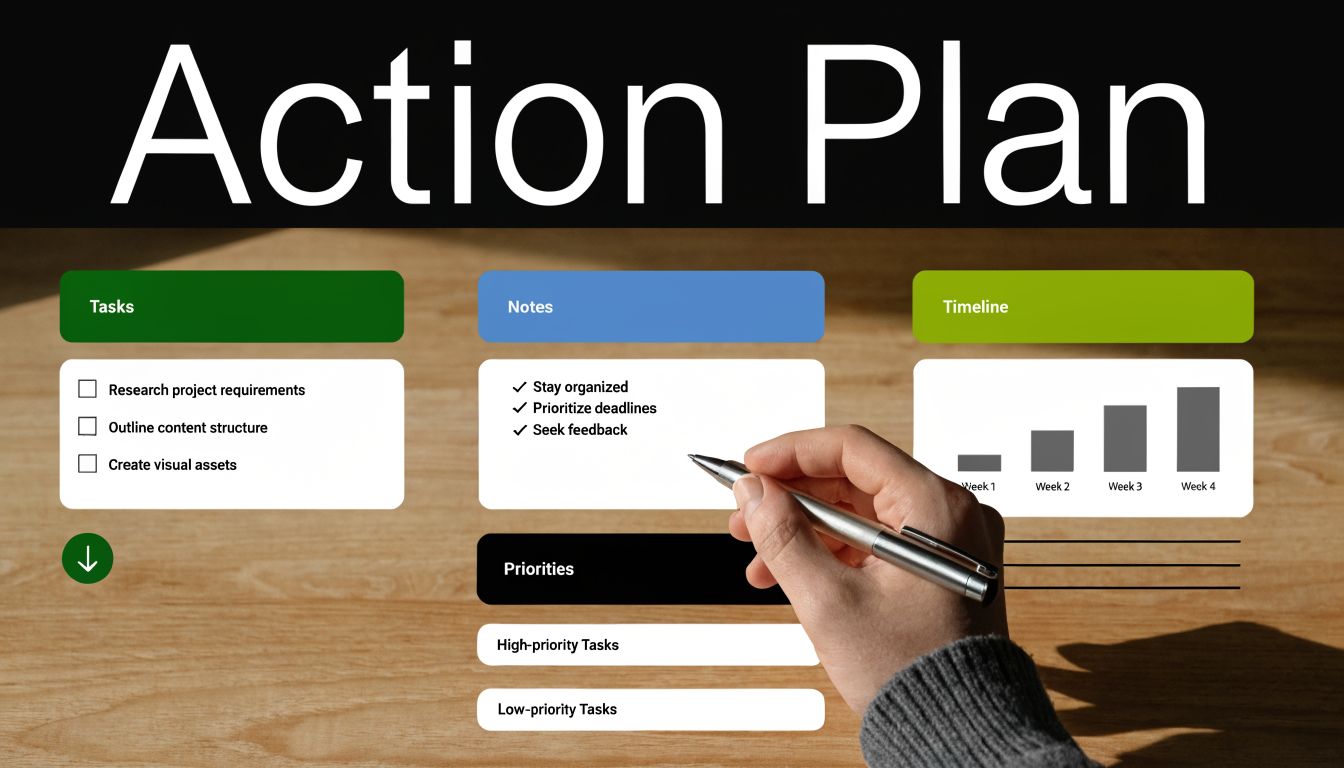
What to do this week
Start with an audit of your current process.
- Check your payroll reports against your books. If they don't match, stop pretending month-end is fine.
- Review classifications. Employees and contractors need to be handled correctly.
- Look at your liability accounts. Old balances usually mean something wasn't filed, paid, or cleared properly.
- Confirm your forms and settings. Outdated employee data causes avoidable tax problems.
What to fix this month
Clean up the system design.
- Rebuild or refine your chart of accounts for payroll visibility.
- Map every payroll item to the right account.
- Set a recurring review calendar for payroll, reconciliations, and tax filings.
- Decide who owns approvals, who owns processing, and who owns oversight.
If those three roles sit with one overwhelmed person, that's not a system. That's a hostage situation.
What to build for the long term
Once payroll is accurate and integrated, use it as a management tool.
Create regular reporting around labor by department, provider, project, or program. Review payroll trends with your profit and loss statement, not separately. Bring in CFO-level thinking before you hire, expand, or bid work too aggressively.
Smart owners don't wait for a tax notice to learn their payroll process was weak.
Most small businesses don't fully know what's required to stay compliant. That isn't an insult. It's reality. Tax rules change, payroll workflows get messy, and growth adds complexity faster than internal teams expect. The sane move is to get help before the mistakes become expensive.
If your payroll is disconnected from your books, late, unclear, or impossible to trust, it's time to fix the system. Bookkeeping and Accounting of Florida Inc. provides bookkeeping, payroll, tax support, QuickBooks help, and fractional CFO guidance for Florida businesses that need accurate financials and consistent compliance without building a full internal finance department.